
Plug-and-Play Firewalls vs. Hardened, Managed Firewalls
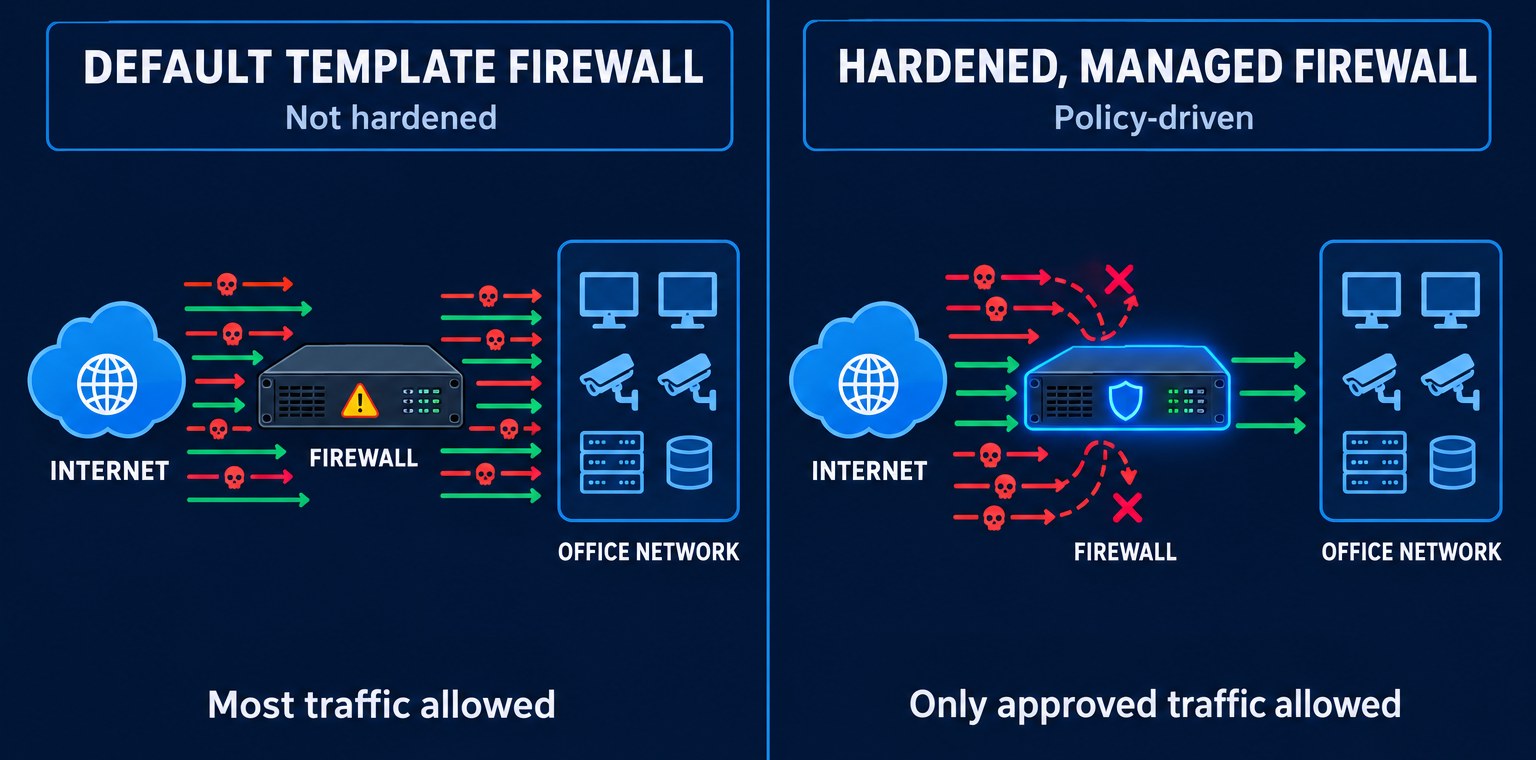
A firewall dropped in with default templates is not the same as one locked down with client-specific policies, tested rules, and ongoing management.
Two integrators can install the same firewall hardware and leave a business with very different levels of protection. The difference is the work done before the appliance goes into service, the policies configured on it, and the attention it receives afterward. A firewall box being “installed” means traffic passes through it; it does not, by itself, mean the network is protected.
The template approach: generic choices and a quick install
A quick deployment can get a network online, but it may leave important decisions to a setup wizard or a generic template. Depending on the appliance and installer, that can look like:
- Unboxing the appliance, running the setup wizard, and keeping broad default rules—including “any-to-any” outbound access—without checking what traffic the business needs.
- Leaving vendor-default security profiles in place rather than reviewing and tuning them for the network.
- Failing to change default administrator credentials, or leaving management reachable from the WAN when that access is not required.
- Putting workstations, servers, printers, cameras, and door controllers on one flat LAN, perhaps with a separate guest network but no other meaningful boundaries.
- Leaving firmware at the version that shipped with the appliance and failing to activate, renew, or verify licenses for security services.
- Handing over little or no rule documentation, configuration backup, or plan for future updates and alerts.
The appeal is understandable: a template install is faster and can cost less up front. But broad access, unreviewed settings, and missing maintenance can leave avoidable paths between systems or allow problems to go unnoticed. A default configuration is a starting point, not a policy designed around a particular business.
The hardened approach starts with discovery
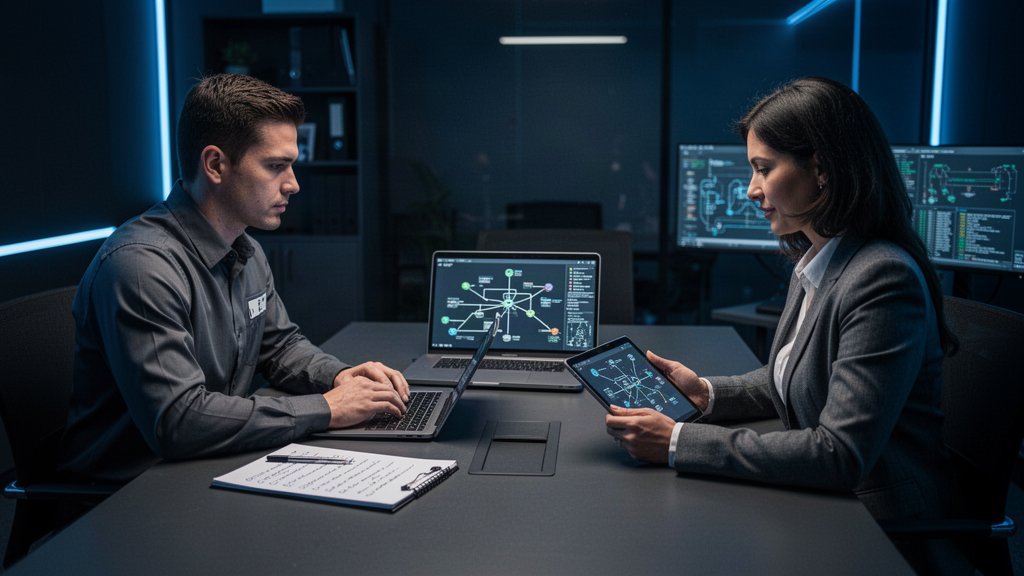
Before writing rules, an integrator needs to understand how people and systems use the network. That conversation should cover:
- An inventory of users and connected equipment, including workstations, servers, printers, cameras, access-control devices, VoIP phones, and other IoT devices.
- The cloud applications and SaaS services staff rely on, plus any on-site applications that need to communicate across the network.
- Who needs remote access, when they need it, and whether a VPN or another approved access method fits the use case.
- Whether vendors or other third parties need remote support access, what they must reach, and how that access will be controlled.
- Applicable industry requirements and cyber insurance questionnaire items that the business needs to evaluate; a firewall configuration alone does not establish compliance or insurance eligibility.
- Business hours, locations, guest Wi-Fi needs, and expected changes such as new staff, devices, or sites.
Discovery takes time because a rule that blocks a required service can interrupt work, while a rule that allows too much can undermine the reason for installing the firewall. The network diagram and requirements gathered here become the basis for configuring and testing access.
Locking it down: policies and rules built for your business
A hardened deployment follows least privilege: deny traffic that is not needed, then create explicit allow rules for verified business requirements. Each exception should have a documented purpose and an owner. That applies to outbound traffic as well as inbound connections; allowing every device to reach every internet destination without review is not a complete security policy.
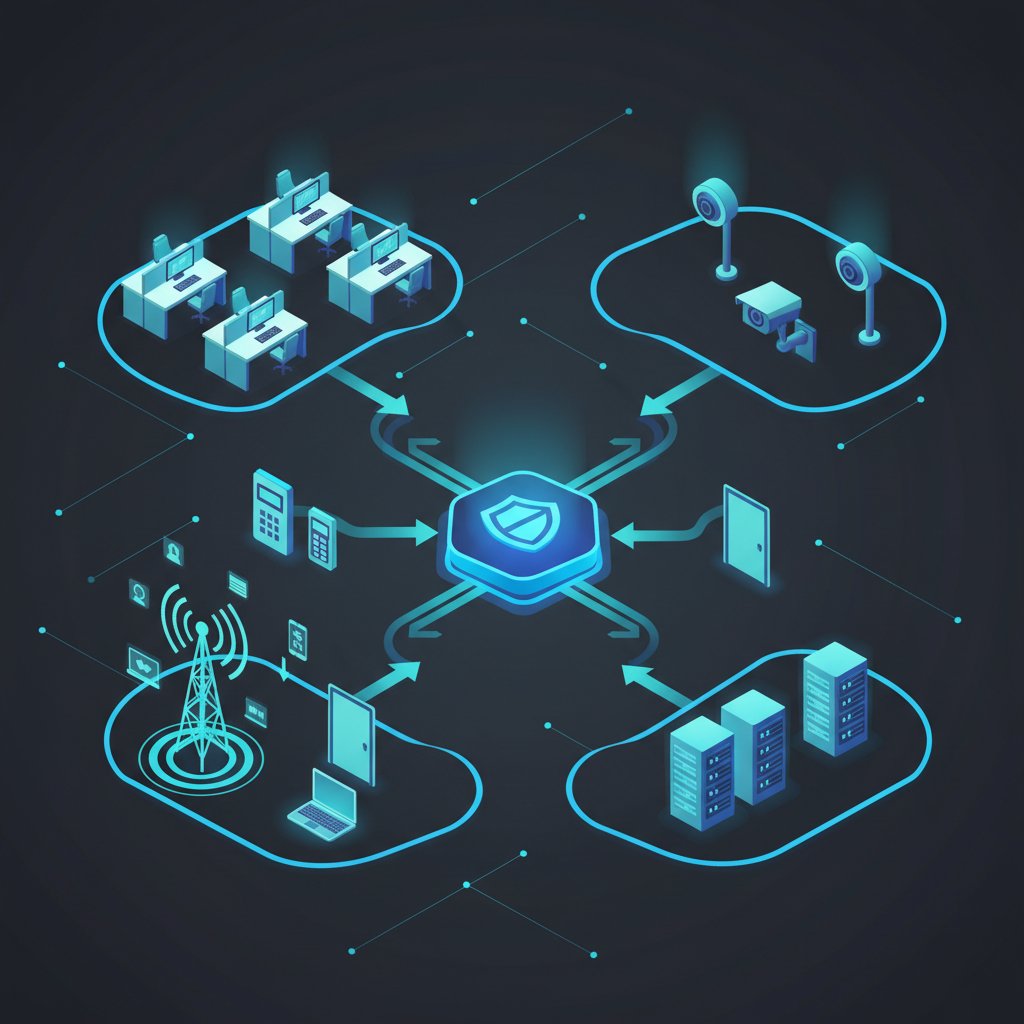
Network segmentation adds another boundary. VLANs or firewall zones can separate workstations, servers, cameras, access-control equipment, VoIP, guest Wi-Fi, and other IoT devices. Inter-zone rules then permit specific traffic where it is needed—for example, a workstation reaching an authorized server—without treating every device on the premises as equally trusted.
Management access needs its own controls: replace default credentials with strong, unique administrator credentials, enable multi-factor authentication where supported, restrict management to approved IP addresses or networks, and disable WAN-facing administration unless there is a justified, secured need. Remote-access VPN accounts should likewise use MFA where available and receive only the access their users need.
Where supported and appropriately licensed, an integrator should enable and tune intrusion prevention, web or content filtering, and application controls. Geo-IP blocking may be useful for some environments, but it is not a substitute for precise rules or account security. SSL inspection requires particular care: it can affect privacy, certificates, and application compatibility, so its scope and implications should be discussed before enabling it. Useful logs and actionable alerts should be configured, and the finished rules, settings, and configuration backups documented.
This is where the hours go. Each rule and security service needs testing against the applications people actually use, followed by adjustments that preserve necessary work without reopening broad access.
| Area | Template / generic deployment | Hardened & managed deployment |
|---|---|---|
| Discovery | Limited review before installation | Inventory, applications, access needs, and constraints documented before configuration |
| Rule base | Broad defaults or generic allow rules | Purpose-documented, least-privilege rules tested against business needs |
| Segmentation | Flat LAN or only a basic guest network | Defined zones with explicit rules for traffic between them |
| Admin access | Default settings may remain; WAN management may be exposed | Unique credentials, MFA where supported, and restricted management access |
| Security services (IPS/filtering) | Default profiles or services not activated | Available, licensed services enabled and tuned for the environment |
| Remote access/VPN | Generic access or settings left at defaults | Access scoped to approved users and resources, with MFA where available |
| Firmware & updates | Shipping version may remain indefinitely | Vendor updates reviewed and applied, with security fixes prioritized |
| Logging & alerts | Logs left unused or alerts sent nowhere | Relevant events collected with a defined review and response owner |
| Documentation & backups | Little handover information | Network and rule documentation plus protected configuration backups |
| Ongoing reviews | No defined follow-up | Periodic review of rules, access, licenses, alerts, and advisories |
Managing the firewall after install
A firewall is not set-and-forget equipment. Firmware should be checked on a regular schedule, with vendor security patches reviewed and applied promptly when appropriate. Subscription-based security services and their signatures also need to stay licensed and current; a configured feature cannot help as intended if its subscription has lapsed.
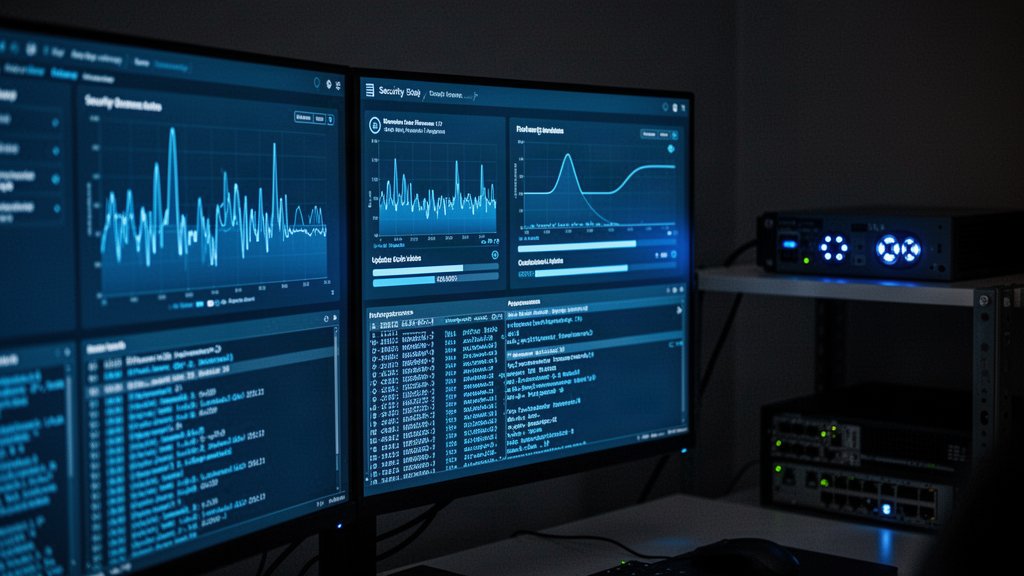
Someone must monitor relevant logs and alerts and know what to do when an event needs investigation. Periodic rule reviews should remove access that is no longer needed as employees, vendors, applications, and locations change. Keep protected configuration backups, document changes and their reasons, and review vendor security advisories for issues that affect the deployed model and software version.
Questions to ask any integrator
Before approving a firewall project, ask how the installation will be planned and who will be responsible after handover:
- What information will you collect before configuring the firewall?
- Will you change default credentials and disable unnecessary WAN management access?
- How will you segment our network, and what will be allowed between zones?
- Which security services will be enabled, and which require active licenses?
- How and when will you review and apply firmware updates?
- Who will receive and review security alerts?
- Will we receive documentation and a protected configuration backup?
- How often will rules be reviewed as our people, vendors, and applications change?
How Goff Technologies approaches firewalls
Goff Technologies spends time up front gathering requirements, then builds and tests policies and segmentation around the client's actual network. We can also provide ongoing management and updates for businesses across Oklahoma. The firewall is one layer of a broader plan that includes endpoint protection, multi-factor authentication, backups, and staff training. Contact us to review your current firewall setup and discuss what it needs to support and protect.
Explore further
Services in this article
Join the conversation
Comments & feedback
Share your thoughts
Questions about this topic
Keep reading
More insights

Verkada Transportation: Cloud-Managed Video and Telematics for Buses and Fleets
Explore Verkada Transportation’s vehicle cameras and gateway, and how school buses, transit agencies, and fleets can use video, GPS, and telematics.

Security Camera Types Explained: Multi-Sensor, 180°, Fisheye, PTZ, and More
See how commercial camera styles cover different spaces, where each has limits, and how to choose the right mix of overview and identification views for your business.
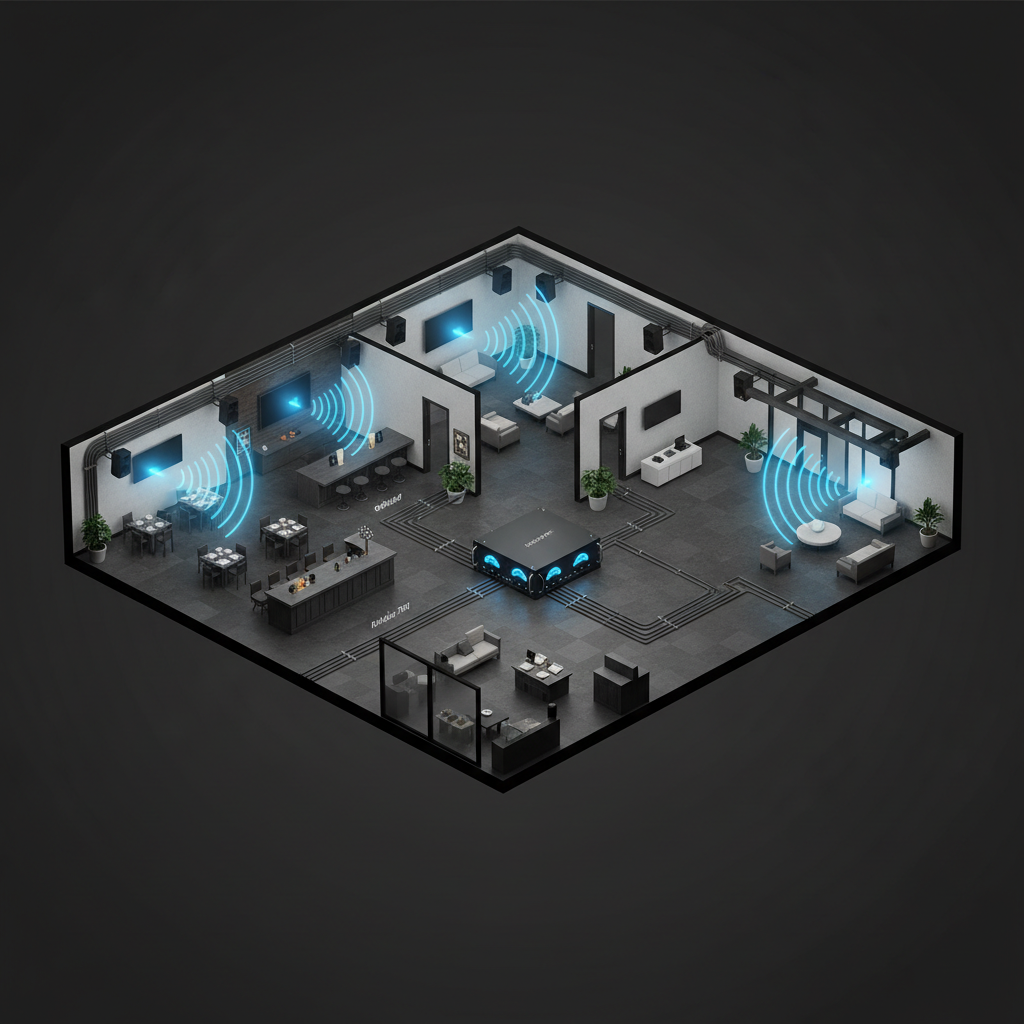
70V Speakers and Multi-Zone Amplifiers: Matching Music and Volume to Every Space
Learn how 70V distributed speakers and zone-capable amplifiers help each area of a business play the right music at the right level.
Let's discuss your project.
Reach out today for a consultation and secure your business future.